BookM@rk
Your personal book library
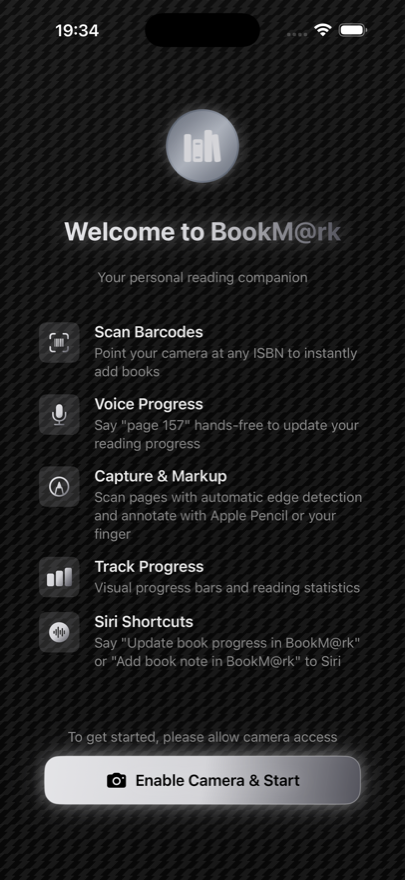
Scan barcodes to add books instantly, track your reading progress with your voice, and keep your entire collection organized in one beautiful app.
● Coming soon to the App Store
Your personal book library
Scan barcodes to add books instantly, track your reading progress with your voice, and keep your entire collection organized in one beautiful app.
Point your camera at any book's barcode and BookM@rk fetches the title, author, cover, and details automatically. No typing required.
Update your reading progress hands-free. Just say "page 150" and BookM@rk records it — perfect for when you don't want to put the book down.
Save your page, update progress, or record a voice note without opening the app — from your Lock Screen, Apple Watch, or anywhere Siri lives.
Scan favorite pages with automatic edge detection, then annotate with Apple Pencil or your finger. Everything stays connected to the right book.
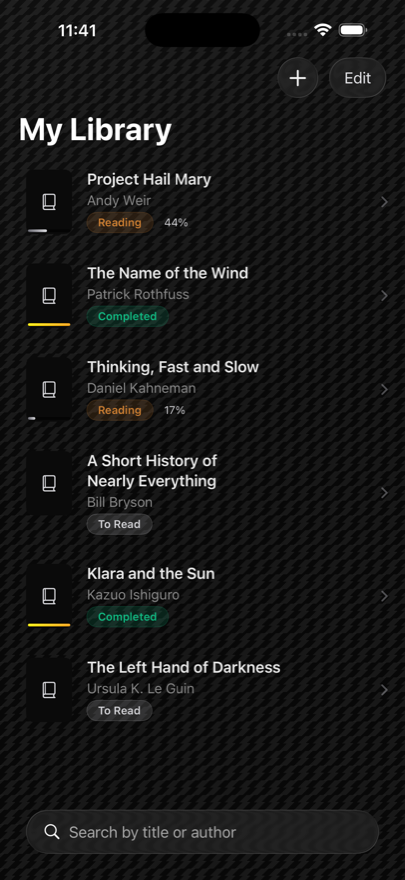
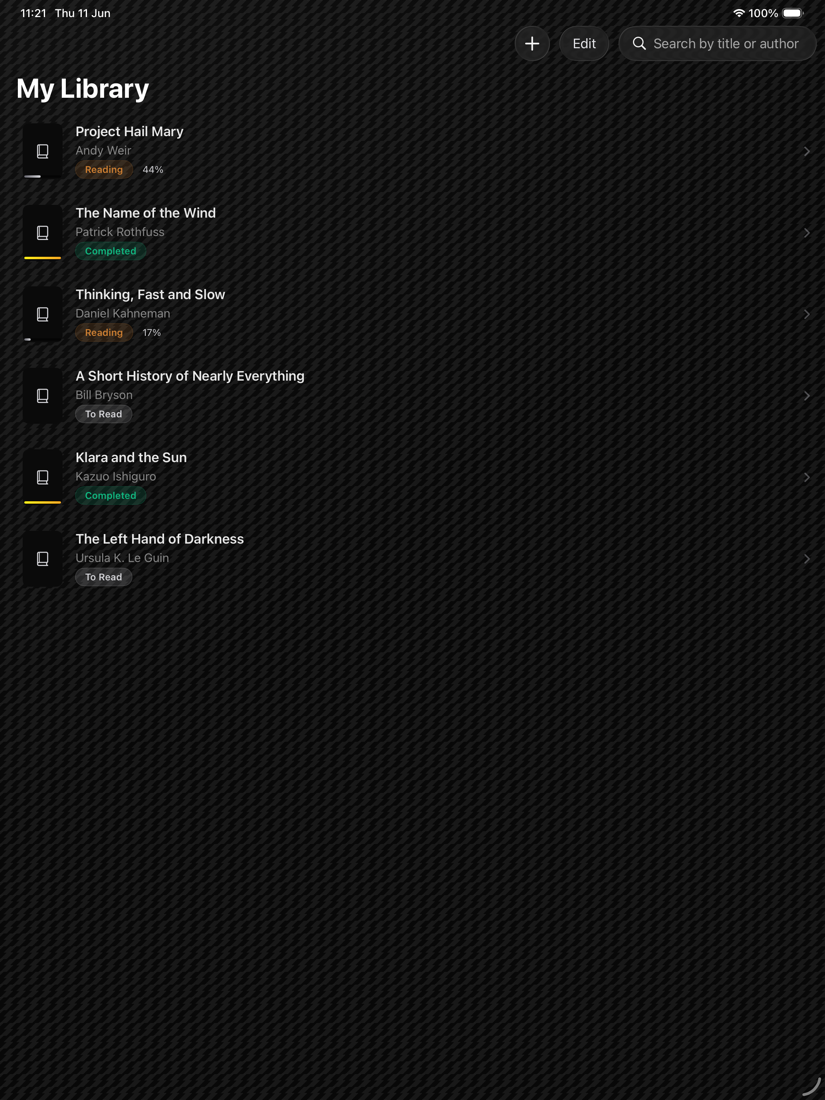
Search your whole library by title or author and track every book by status — To Read, Reading, Completed — with visual progress bars.
Everything is stored on your device. No account, no cloud, no tracking. Your reading habits are nobody's business but yours.
Your data stays yours. BookM@rk collects nothing and tracks nothing. Book details come from free, public sources — Open Library, Google Books, openBD, and Crossref — and your library never leaves your device.
Use the ISBN barcode on the back cover (not the price barcode), give it good light, and hold steady a few inches away. If it still won't catch, tap Enter ISBN manually and type the 10- or 13-digit number printed under the barcode.
Details come from free public databases (Open Library, Google Books, openBD, Crossref), and not every edition is listed — older, self-published, or non-English books are the usual gaps. You can type the title, author, and page count in yourself, and they'll save just the same.
BookM@rk needs Microphone and Speech Recognition permission — if you declined either, enable them in Settings › BookM@rk. Then say a number plainly, like "page 150" or just "150". You can always tap the field and type the page instead.
Nothing is deleted unless you swipe to remove it. If your library looks empty, check the search box isn't filtering, and that you're not viewing a single reading-status group. Everything lives on your device, so it's there until you remove it.
Your library is stored only on your device — there's no account and no cloud sync. If you back your iPhone up to iCloud or a computer, BookM@rk's data is included in that encrypted backup and restores with it.
Yes. Once you've used a feature once, ask Siri to "save my page in BookM@rk", "update book progress in BookM@rk", or "add a book note in BookM@rk" — from your Lock Screen, Apple Watch, or anywhere Siri works.
Questions, problems, or ideas for BookM@rk? Get in touch and a human will reply.
Email support Privacy policy